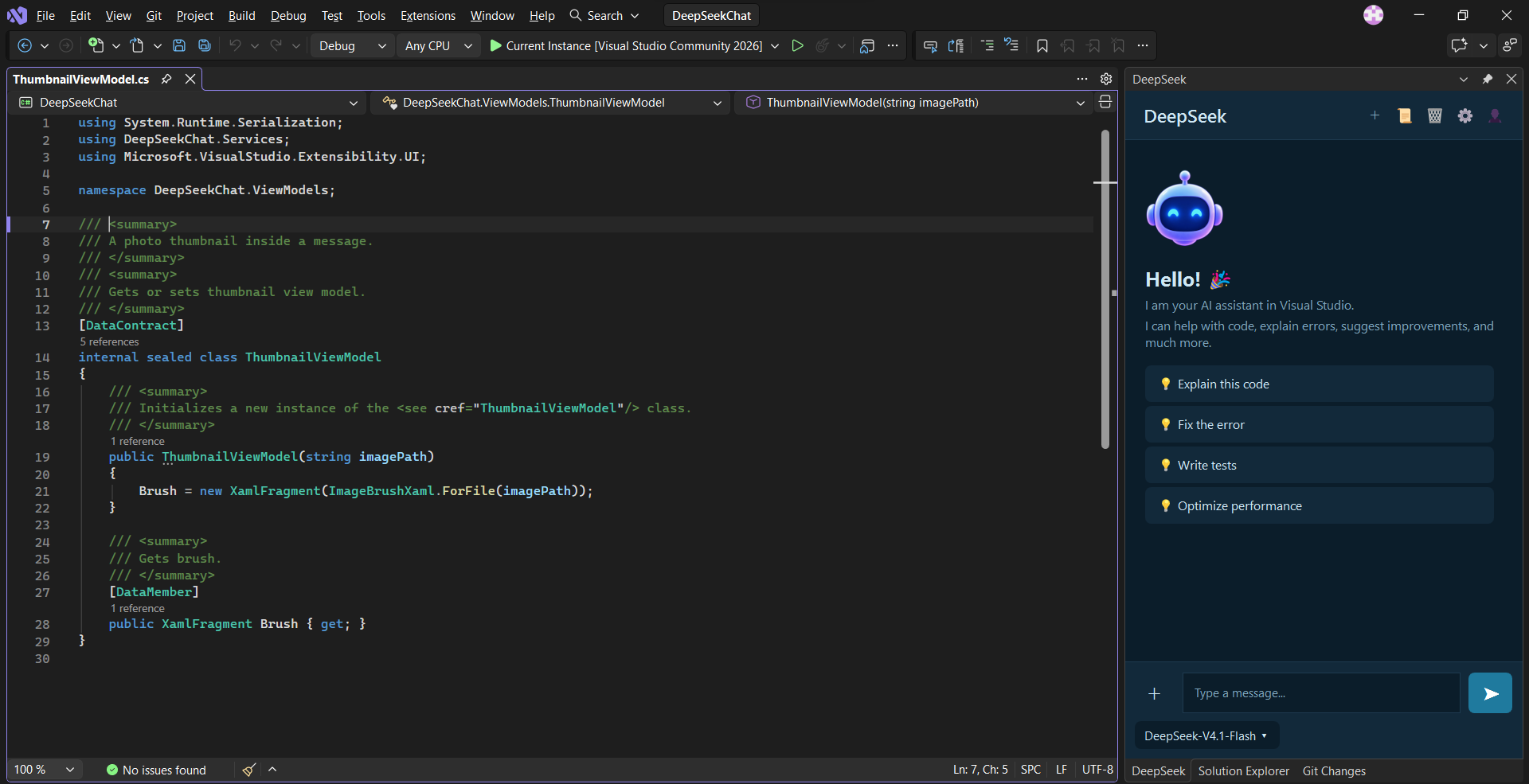
DeepSeek AI AssistantPreviewDeepSeek AI assistant integrated into Visual Studio for working with code. |

DeepSeek AI AssistantAI coding assistant for Visual Studio 2022 and 2026
Features
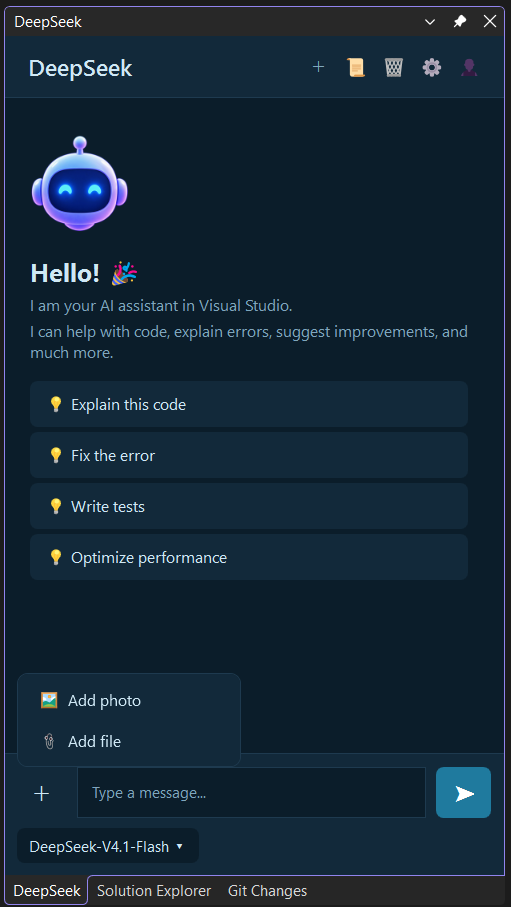
AI ChatChat with DeepSeek directly inside Visual Studio.
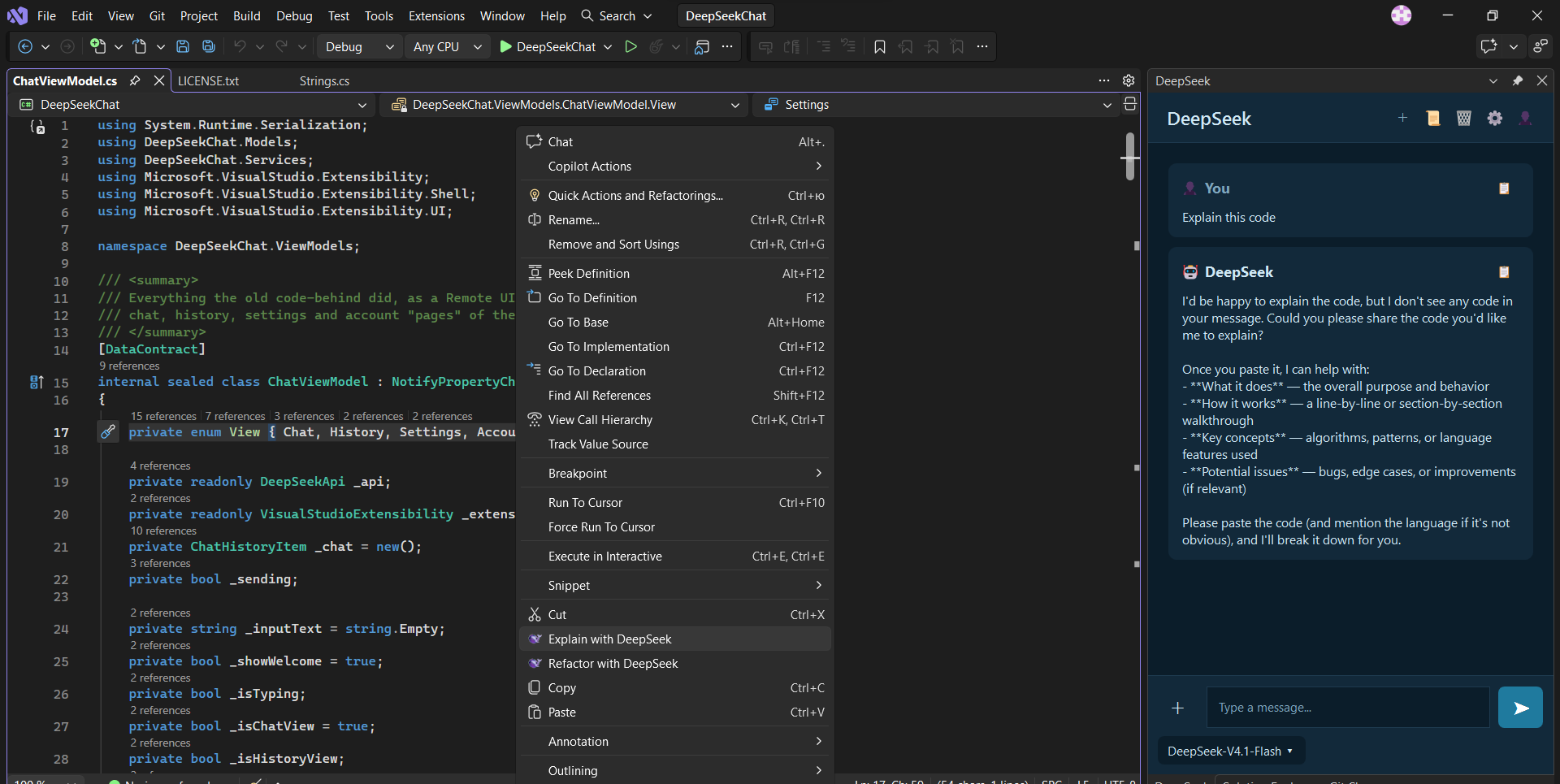
Explain CodeSelect code in the editor and use Explain with DeepSeek from the context menu.
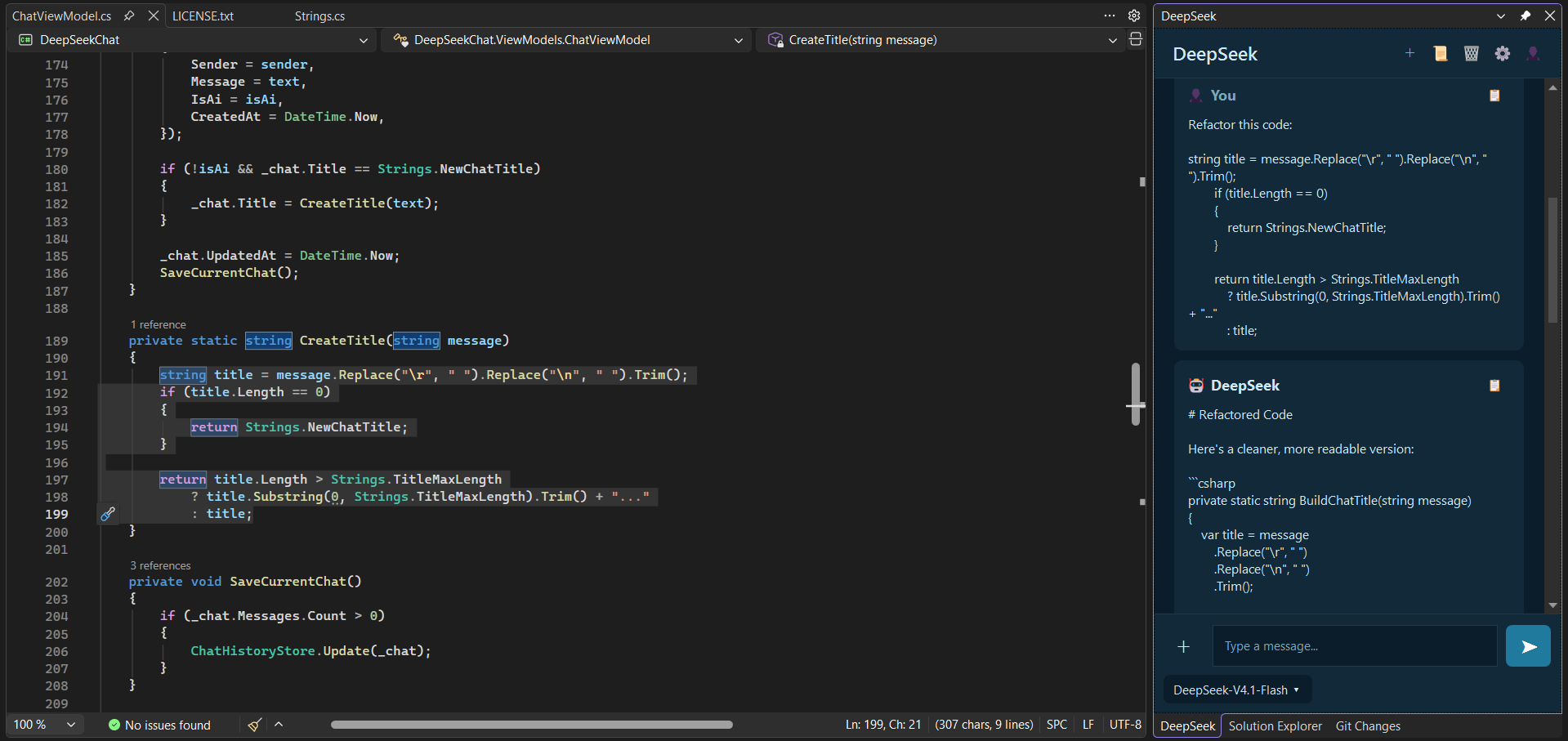
The selected code is placed in the chat input; review it and send. DeepSeek's explanation appears in the chat. Refactor CodeSelect code in the editor and use Refactor with DeepSeek from the context menu. DeepSeek provides refactoring suggestions in the chat.
AttachmentsAttach text files and images to your message.
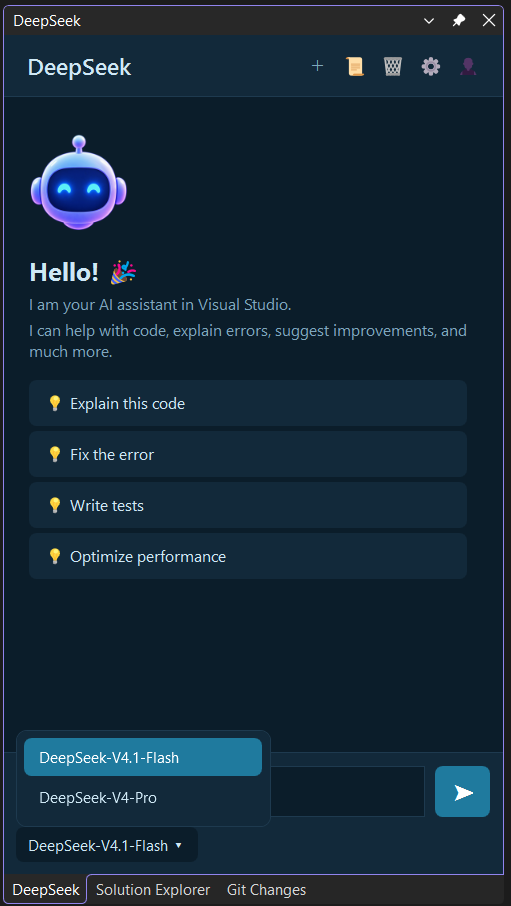
ModelsChoose the DeepSeek model for your requests.
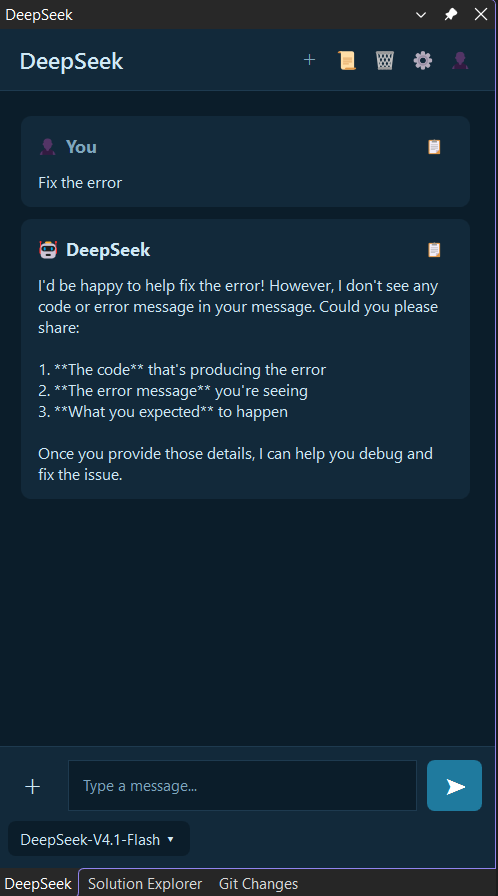
Quick ActionsQuick Actions fill the input with a ready request for common tasks:
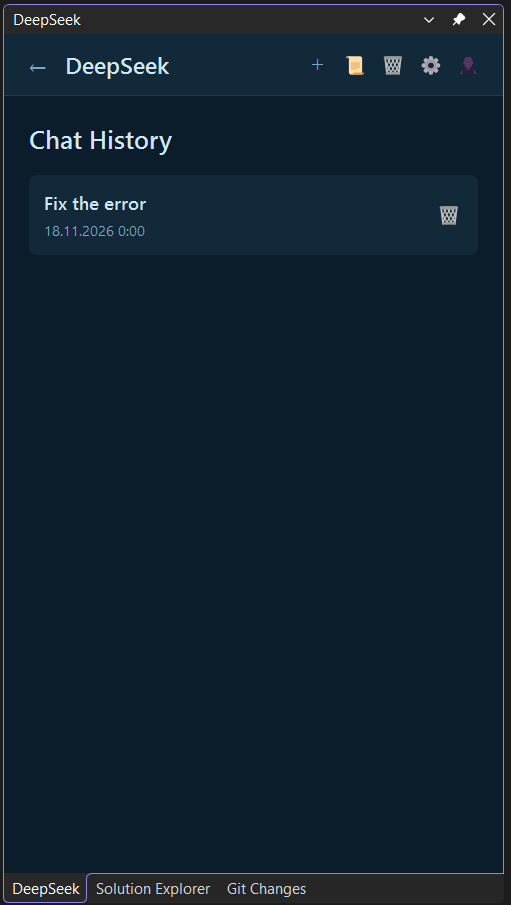
Chat HistoryConversations are saved locally and can be reopened or deleted later.
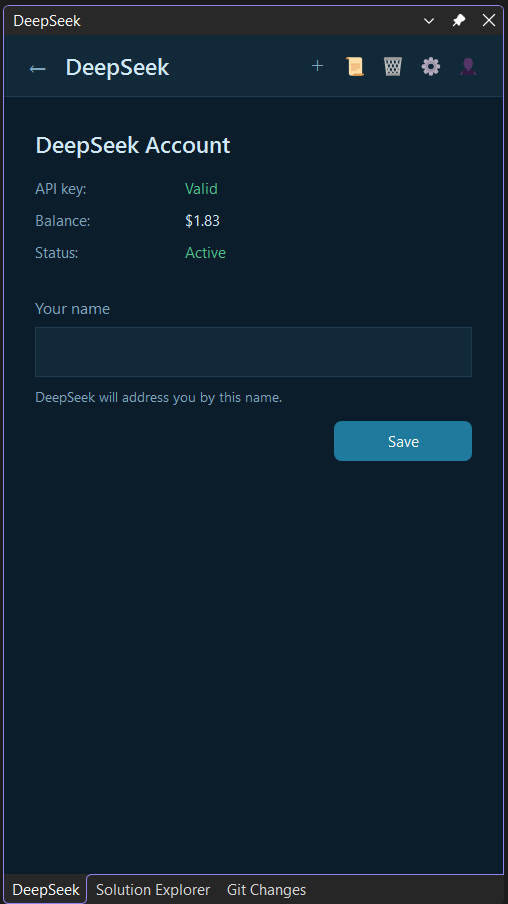
AccountView API key status, account balance and connection status.
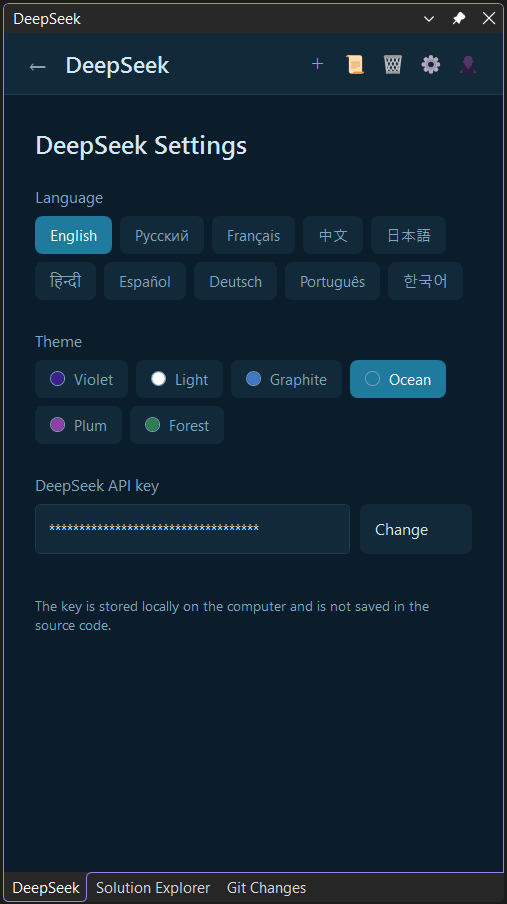
SettingsConfigure your DeepSeek API key, language, theme and display name directly from Visual Studio.
Getting Started
Requirements
DocumentationFor detailed documentation, visit the GitHub repository. Privacy
Project |