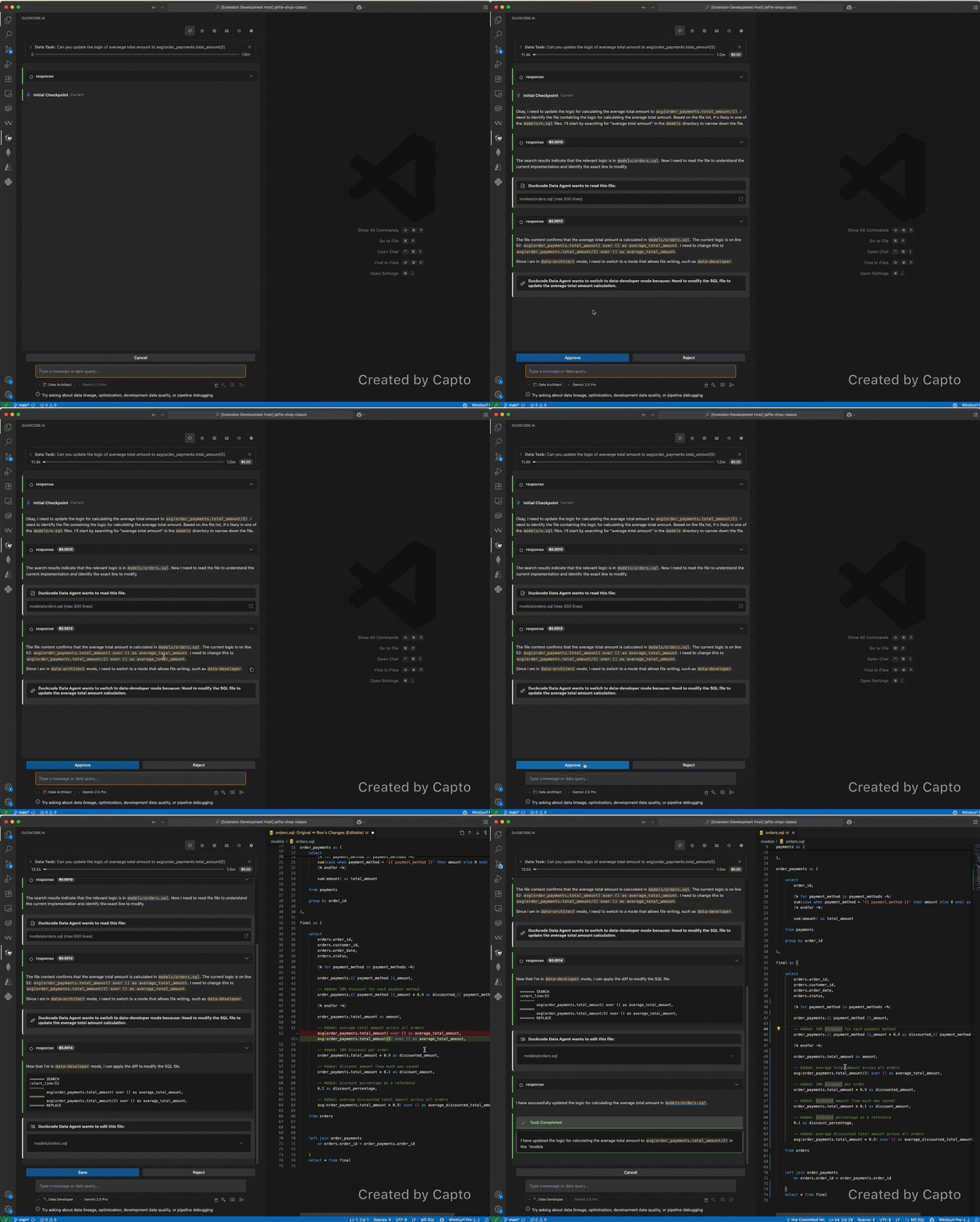
Accelerate your data development with autonomous AI agents that understand your business logic
🚀 What is DuckCode Pro?
DuckCode Pro is an enterprise AI copilot for analytics and data engineering teams, embedded directly in VS Code.
It connects your IDE to DuckCode Observability (SaaS) so the copilot understands your organization’s metadata, lineage, and cost — and automatically routes each request through the right capabilities. You get a single, unified chat experience instead of manually picking agents.
✨ What you get
Unified AI chat that understands your dbt models, SQL, and pipelines
Automatic agent routing (no manual "architect" / "developer" toggles)
Table & column lineage awareness from DuckCode Observability
Cost & usage visibility for warehouses, models, and pipelines
Org-level API key management (OpenAI, Anthropic, etc.) managed in SaaS and synced securely into VS Code SecretStorage
🔗 How it works with DuckCode Observability
Sign in from VS Code → the extension receives your organization ID and session
The IDE securely syncs:
Organization-scoped provider API keys (encrypted in SaaS, stored in SecretStorage)
Metadata and lineage for your connected projects
Chat analytics (model, tokens, cost, organization, API key ID) are sent back to DuckCode Observability for enterprise reporting
🚀 Getting started
Install DuckCode Pro from the VS Code Marketplace.
Open the DuckCode view in VS Code and click Sign in.
Once authenticated, select a workspace and start chatting about your code, models, and data flows.
✅ Requirements
VS Code ^1.95.0
DuckCode Observability account with at least one organization
Organization admin configured provider API keys in DuckCode Observability